

Browser media lab
Low Quality Meme Maker
Add captions, crush image quality, or deep fry a meme. This free browser tool supports JPG, PNG, WebP, and AVIF with no upload or watermark.
Processing uses browser media APIs. Support depends on your device.
Large video and GIF files can take time and memory to finish.
Media bytes are not sent to our server or a third party.
Real example
One image, then the captioned Deep Fried result
The result below uses the same 960 by 640 source, the Deep Fried preset, and the meme caption controls available on this page.
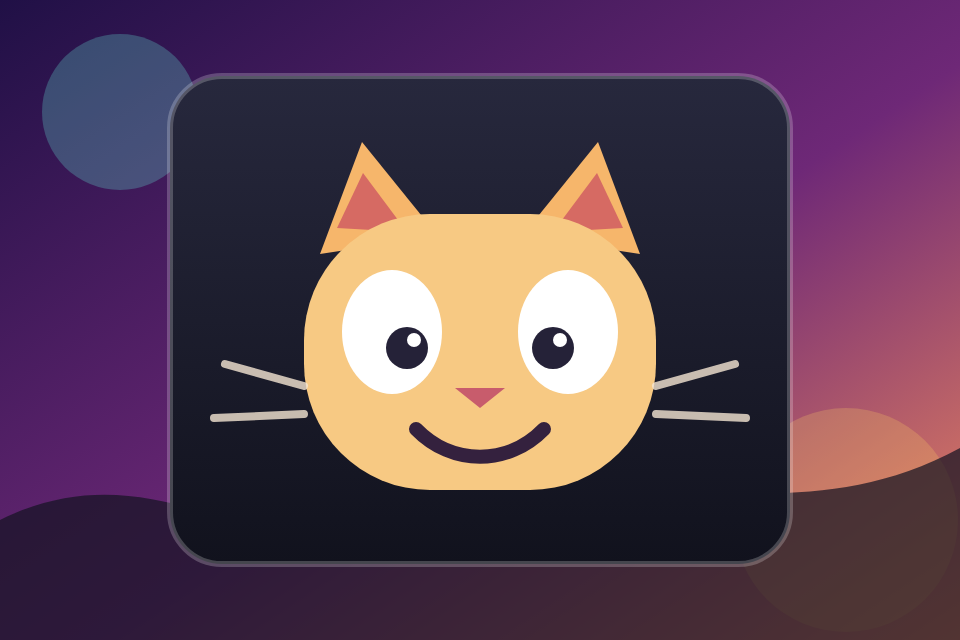
Original image
960 by 640 PNG source with no caption or effects.
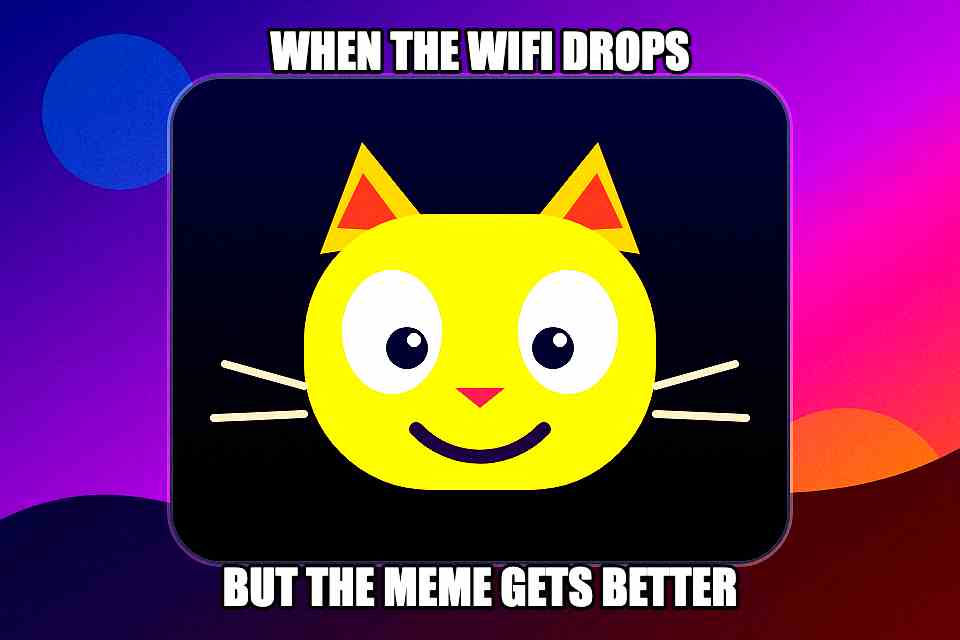
Captioned and Deep Fried
Top and bottom captions with the Deep Fried preset at full strength.
About this meme tool
Lower quality on purpose, without sending the file away
Add the caption and the damage in one pass. Upload a static JPG, PNG, WebP, or AVIF image, write top and bottom text, then lower the resolution, compression quality, or Deep Fried strength. The file and caption text stay in this browser.
Processing happens locally in this browser tab. LowQualityMaker may record anonymous, coarse events such as the media category, preset used, and whether processing succeeded. Those events do not contain your file, filename, caption text, or media bytes.
Three simple steps
How to make meme quality worse
- 01
Choose a file
Your browser detects the media type and keeps the file on your device.
- 02
Make it worse
Pick a preset, then adjust the available quality controls for the result you want.
- 03
Process, compare, and download
After processing finishes, compare Original and Worse, then save the result without a watermark.
Presets first, controls when you need them
Add top and bottom text, set font size and outline width, and choose left, center, or right alignment. With the Deep Fried preset selected, its strength slider adjusts saturation, contrast, brightness, noise, and sharpening from 0% to 100%.
A downloadable result you can inspect
After processing finishes, compare Original and Worse before downloading. LowQualityMaker does not place its logo on the result, and v1 does not accept animated GIF input on this caption route.
Practical answers
Frequently asked questions
What caption controls are included?
You can add separate top and bottom captions, choose the font size and outline width, and align the caption left, center, or right. Caption text stays in the browser and is excluded from analytics.
Can I make a cursed or deep-fried meme?
Yes. Choose the Deep Fried preset to enable its strength control, then adjust the effect from 0% to 100%. You can also lower the image resolution or JPEG quality.
Can I add captions to an animated GIF?
Not in v1. The meme maker accepts static JPG, PNG, WebP, and AVIF images. The separate GIF tool lowers animated GIF quality but does not add meme captions.
Will the download have a watermark?
No. LowQualityMaker does not add a site logo or watermark to the processed meme.
Does the meme leave my device?
No. The selected file and generated meme stay in your browser. Anonymous coarse analytics exclude the file, filename, text content, and media bytes.